
An editable modular Laravel starter for your public website and admin workspace.
This is the main source repository. Your application owns every LaraCoreKit module under modules/. Laravel, Filament and other third-party libraries are installed in vendor/.
Laravel 13 · Filament 5 · Livewire 4 · Tailwind CSS 4 · PHP 8.3+ · MIT
Website · Website repository · Installation · Security policy
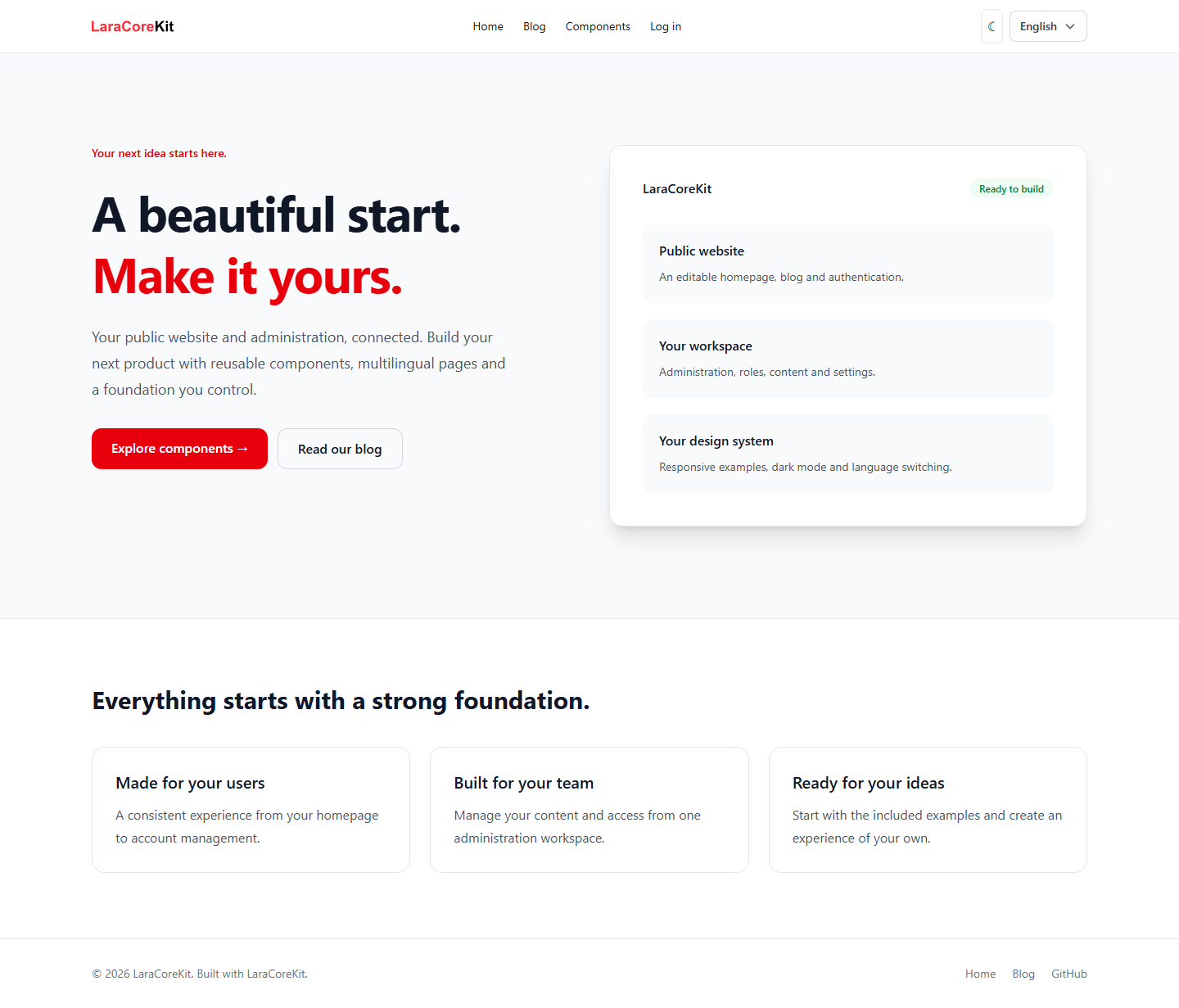
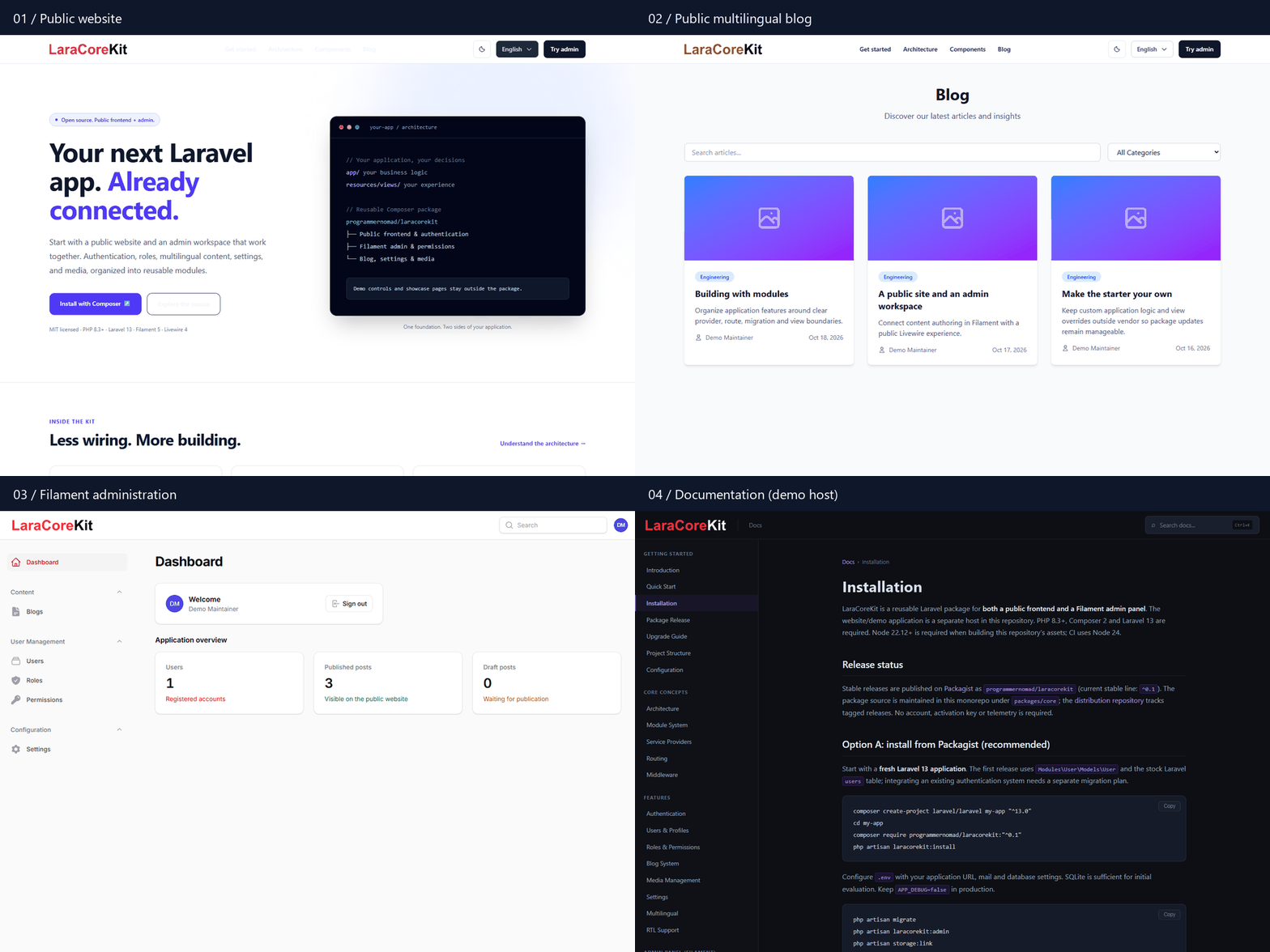
The walkthrough also shows the separately hosted promotional website and documentation viewer. The starter contains an editable homepage, public blog/authentication, admin and UI examples.
Requires PHP 8.3+ with Laravel/Filament extensions and Composer 2. The project release series starts at 1.0; 0.x releases are the previous vendor-installed library.
composer create-project programmernomad/laracorekit my-app
cd my-app
php artisan laracorekit:admin
php artisan serve
Cutover status: use this command after Packagist is connected to this repository and lists the 1.0 project release. Until then, use the GitHub clone instructions below; the existing 0.x library cannot create this application.
Creation scripts generate .env and the application key, initialize SQLite, migrate/seed roles and create the storage link. They do not create sample users. Create your administrator interactively (minimum 8-character password). Configure mail and APP_URL in .env before testing mail delivery or deploying. The default UI ships with built assets.
Open /, /blog, /ui-showcase, /login and /admin.
git clone https://github.com/ProgrammerNomad/LaraCoreKit.git my-app
cd my-app
php -r "copy('.env.example', '.env');"
composer install
php artisan key:generate
php -r "file_exists('database/database.sqlite') || touch('database/database.sqlite');"
php artisan migrate --seed
php artisan storage:link
php artisan laracorekit:admin
php artisan serve
For MySQL, configure an existing database in .env instead of creating SQLite. php artisan serve is for local development.
| Area | Editable source |
|---|---|
| Authentication, users, roles, blog, settings and media | modules/Auth, modules/User, modules/Blog, modules/Settings, modules/Media |
| Shared services and administrator command | modules/Core/Foundation |
| Homepage | resources/views/home.blade.php |
| Header/footer/theme/language layout | resources/views/vendor/core/layouts/app.blade.php |
| Component examples | modules/UIShowcase/views |
| Routes and module configuration | routes/web.php, config/laracorekit.php |
| Application panel | app/Providers/Filament/AdminPanelProvider.php |
Change these files directly and commit them to your own application repository. There is no LaraCoreKit dependency to edit inside vendor, and no package-install/publish step is needed. Examples demonstrate interfaces; payment, commerce and other example-specific backend features are not included.
To compile changed styles/scripts, install Node 22.12+ and run:
npm ci
npm run build:core
npm run buildcomposer update updates third-party dependencies, not your application-owned modules. Review upstream releases and merge relevant source changes through Git, resolving conflicts with your customizations. Never automatically overwrite customized modules. See upgrade guide.
Packagist downloads are aggregate distribution activity, not unique developers or active installations. GitHub clones are not counted as Packagist installations. No telemetry or activation is required.
The promotional website, docs viewer and disposable demonstration environment live in laracorekit-website. Plesk must deploy that repository for laracorekit.com.
Previous 0.x Composer-library consumers must remain on their existing release series until they plan a migration. Do not run composer require programmernomad/laracorekit to upgrade an existing 0.x application to this project. The legacy distribution repository and tags must remain available for old lockfiles.
composer test
composer pint-test
composer phpstan
composer audit --locked
npm audit