
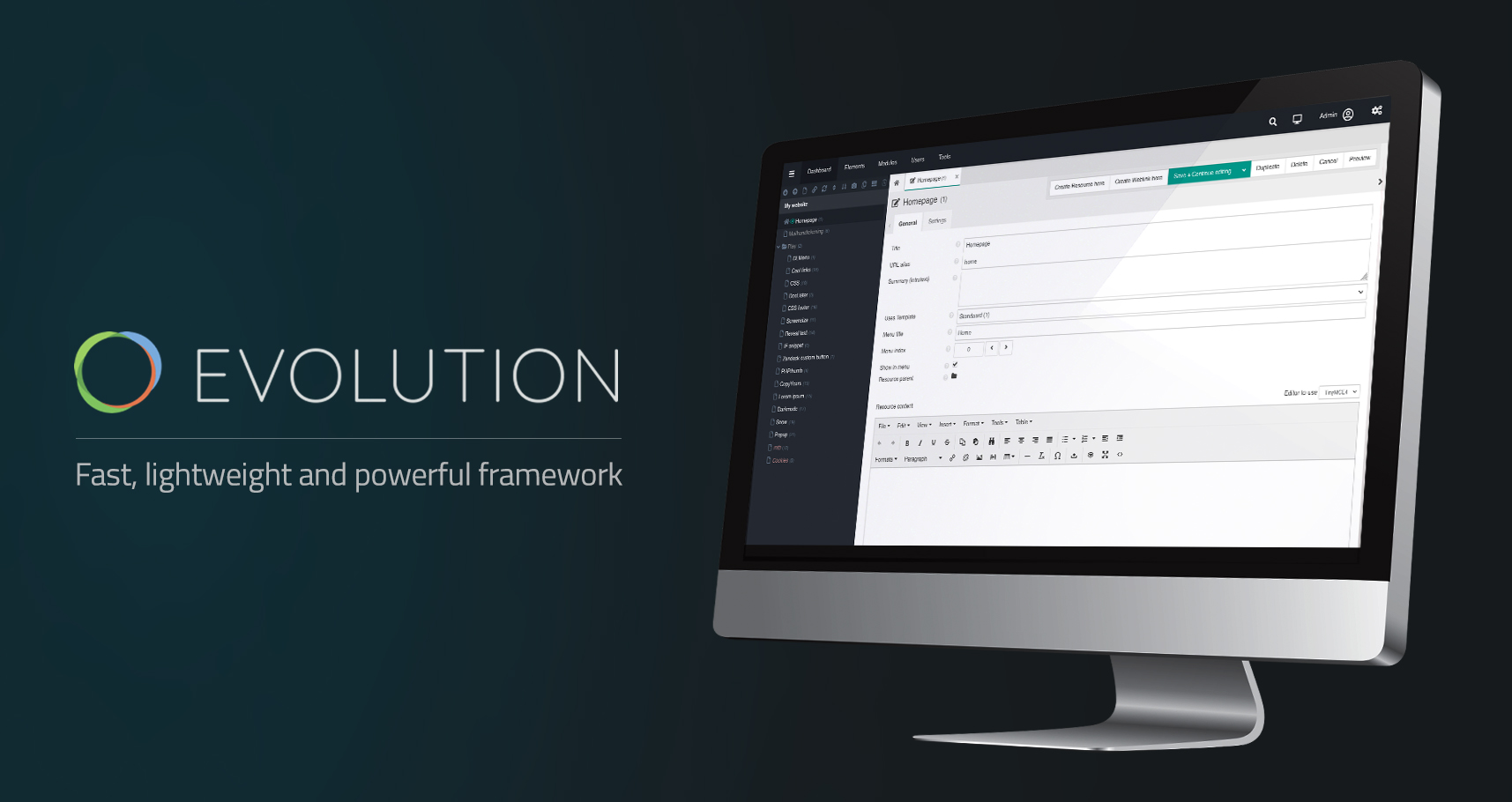






Evolution CMS is an open source Content Management System and Application Framework.
Initially inspired by Etomite 0.6, the project became MODX Evolution, the original MODX codebase developed by Raymond Irving, the MODX team, and its contributors.
In its later years under MODX, development and releases were already being led by the team that subsequently formed the Evolution CMS Project, including Dmytro Lukianenko. In 2016, MODX transferred stewardship of Evolution to that team, and in April 2017 formally recognized Evolution CMS as an independent project under its existing leadership.
Development has continued in evolution-cms/evolution as the direct continuation of MODX Evolution, maintained by Dmytro Lukianenko, Serhii Korneliuk,
and the Evolution CMS core team and contributors. The former modxcms/evolution repository was later archived on Mar 9, 2021 and is now read-only.
Other repositories derived from Evolution CMS are independent downstream forks or distributions and do not represent the project lineage established by the MODX Evolution team.
Evolution CMS is distributed under the GPL v3 or later license and is maintained by a professional international team of developers. See the Evolution CMS Team for more information.
Evolution CMS, formerly MODX Evolution, is a web content management system originating from the MODX project.
It is not affiliated with Yamaha Corporation, Yamaha MODX/MODX+ synthesizers, or any Yamaha sound libraries, expansion packs, or products using the name “Evolution”.
Evolution CMS provides a fast, lightweight and powerful framework on which to deploy and secure your website and web applications.
For example, it gives you a true system for registered web users and groups that is separate from administration users. You can grant some web users access to one page and others access to another page.
For content management, you can easily duplicate documents, folders (and all their children!), chunks and snippets.
Most significant, though, is Evolution CMS's ability to empower you to quickly and easily create and maintain a rich and dynamic website like never before.
You can use the single click installer: Evolution CMS Installer
Evolution CMS 3.6.x requires PHP 8.4 or later within PHP 8.x (^8.4 in core/composer.json).
| PHP version | Evolution CMS support | Recommendation |
|---|---|---|
| 8.4 | Supported; minimum required version | Recommended for production and new installations |
| 8.5 | Supported | Check installed extras and custom code before upgrading |
| 8.6 RC | Experimental compatibility checks only | Not recommended for production |
The CI workflow runs static analysis and unit tests on PHP 8.4 and 8.5. PHP 8.6 RC has a separate experimental compatibility job and is not recommended for production.
Use the latest patch release of your chosen PHP version. See the PHP support lifecycle for maintenance and security support dates.
A site can move between a release (such as 3.5.9), a development branch (such as 3.6.x) and a fork in either direction. The target version must support the server's PHP version. Take a database backup first: a switch back to an older release keeps the database schema of the newer one.
Run from the core/ directory:
| Command | What it does |
|---|---|
php artisan make:site |
Updates along the line the site runs. A release moves to the newest release of its major version, a site on 3.6.x takes the latest 3.6.x again (run it every night to follow the nightly), a site on a fork branch takes that branch again. It never moves a site back to an older release. |
php artisan make:site update 3.6.x |
Switches to the 3.6.x branch. The site stays on it until a version is passed again. |
php artisan make:site update 3.5.9 |
Switches to a release, also an older one (back from 3.6.x or from a fork). |
php artisan make:site update nightly-3.6.x |
Switches to the nightly build tag. |
php artisan make:site update https://github.com/<owner>/evolution/tree/<branch> |
Switches to a branch or tag of a fork, as GitHub shows it in the browser. .../releases/tag/<tag> and .../commit/<hash> work too. A plain make:site then stays on that branch of the fork. |
php artisan make:site update <branch> --repository=<owner>/evolution |
The same as the URL form. |
The branch, tag or fork a site was updated from is noted in core/factory/version.php (ref, repository); a release removes the note again. The command exits with a non-zero code when nothing was changed because of an error (a branch that does not exist, GitHub not reachable or rate limited, custom packages that do not fit).
Packages added through core/custom/composer.json are kept on every update and switch, at the versions the site runs, together with the packages only they need. Every update path follows the same rules:
- Before anything changes, a Composer dry run checks them against the target version.
make:siteruns it on the downloaded archive, so a refusal leaves the site untouched. The check covers every requirement ofcore/custom/composer.json, also a constraint on a package the core requires itself (the custom constraint replaces the core's one), and path repositories such ascustom/packages/*still lead to the site's own folders. - Composer may only install those versions. If it would choose other versions, or move or remove a package the release ships (Laravel, Symfony...), the update stops and lists the changes. To accept them, run
make:site ... --update-custom-packagesorcli-install.php ... --updateCustomPackages=y, or run the printedcomposer updatecommand yourself. - The versions of each restore are noted in
core/custom/composer.installed.json(an update package never ships that file), so the installers know them after the files of another version were laid over the site. - The copy of Composer in
core/vendoris never allowed to replace the packages it runs on, however it was chosen (COMPOSER_BINARY, thePATH, a wrapper script).make:sitechecks this on every update that runs it, with or without custom packages: a release whosevendor/differs from its own lock (3.5.8 does) would makecomposer installreplace them. Use a standalone Composer then.
Get the files of the version you want, lay them over the site and run the installer in update mode:
composer create-project --no-install evolution-cms/evolution /tmp/evo 3.6.x-dev   # or 3.5.9
cp -a /tmp/evo/. /path/to/site/          # or unpack a release / branch archive there
cd /path/to/site/install
php cli-install.php --typeInstall=2 --removeInstall=y
The update runs the migrations, then restores the packages of core/custom/composer.json (add --skipComposer=y to leave Composer alone; it then prints the command to run). The install/ folder is removed afterwards. When the packages cannot be restored, the update ends incomplete: the installer exits with code 1, prints the command to run and keeps install/.
Instead of the last two lines you can open /install/ in the browser while logged into the manager and choose the update. The web installer restores the custom packages as well when the server lets it run Composer. Otherwise its results page reports the update as incomplete, lists the packages with the command to run in a terminal, and keeps the install/ folder.
The update widget on the dashboard follows the line the site runs. A release is offered newer releases. A site updated from 3.6.x, nightly-3.6.x or a fork branch is offered that branch again once it has new commits (with a link to the changes), from the repository it came from. Manual update (WEB) queues make:site for that target, so everything above applies. To leave a branch for a release, run php artisan make:site update <release>.
- When moving from 3.5.8 to
3.6.x, the 3.5.8 updater reports the old version at the end; the site is on3.6.xall the same. The 3.5.8 CLI installer cannot restore custom Composer packages, so switch back to 3.5.8 withmake:site update 3.5.8rather than with itscli-install.php. - After a git pull or rsync of new code, with no update step, run
php artisan migrateandcomposer update <your custom packages>incore/. Compiled templates refresh by themselves. - An old fork branch is an old version of Evolution CMS: switching to it is a downgrade.
Official Website: https://evo.im/
Telegram group: https://t.me/evolutioncms
English Forum: https://forum.evo.im
Download: https://github.com/evolution-cms/evolution/releases
Extras / Add-ons: https://evo.im/extras/
Documentation: https://docs.evo.im
Youtube: https://www.youtube.com/channel/UCS7ZUn62Qln_OhHSVaFTTig